Personal tooling · Creative automation
Flow Studio
A visual workspace connecting references, prompts, versions and feedback around Google Flow.
- My role
- Application & automation
- Workspace
- Graph · versions · review
- Generation
- Google Flow
- Example
- Existing Coco Romy production
Keep the creative thread
Generating images and videos involves more than a prompt. References, earlier results and requests for changes need to stay connected. I built Flow Studio to keep that work in one visual workspace, with a browser adapter for Google Flow.
These captures use Coco Romy, an existing generated production in my workspace. They show a real project with its images, prompts, versions and clips, rather than a reconstructed interface.
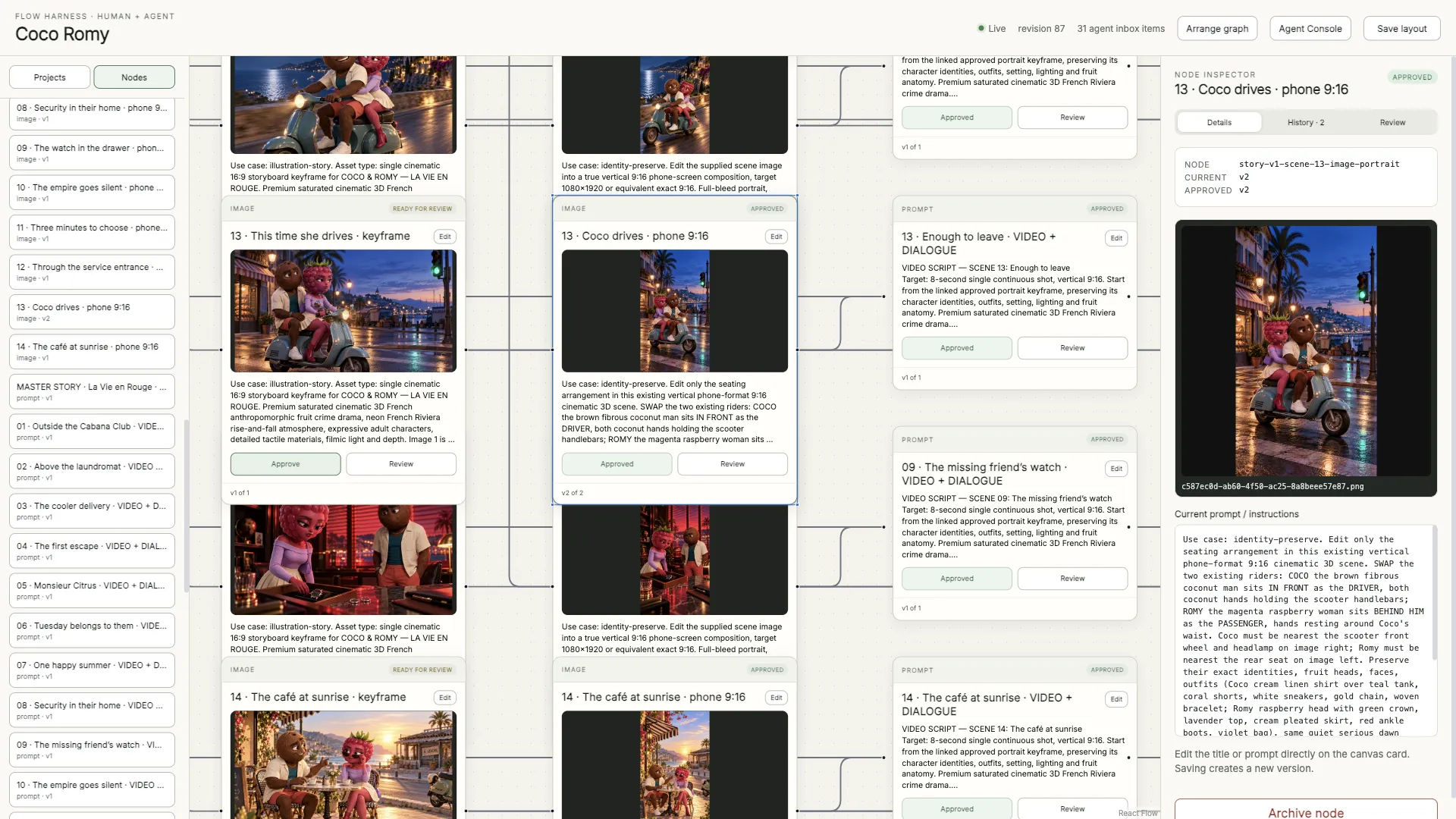
Connect instructions to their results
The work is organized into nodes for prompts, references, images, videos and review steps. An image keeps its instructions and references; the connected video shot retains the context of the image it uses.
The aim is to revisit a decision without having to reconstruct which file belonged to which version. The graph makes the sequence readable, while the store retains identifiers, settings and downloaded files.
From brief to generated shot
- Prompt — Define the scene, references and what must be preserved.
- Image — Review the result and retain its versions.
- Video — Connect the shot to its image and animation instructions.
Revise an image without losing earlier versions
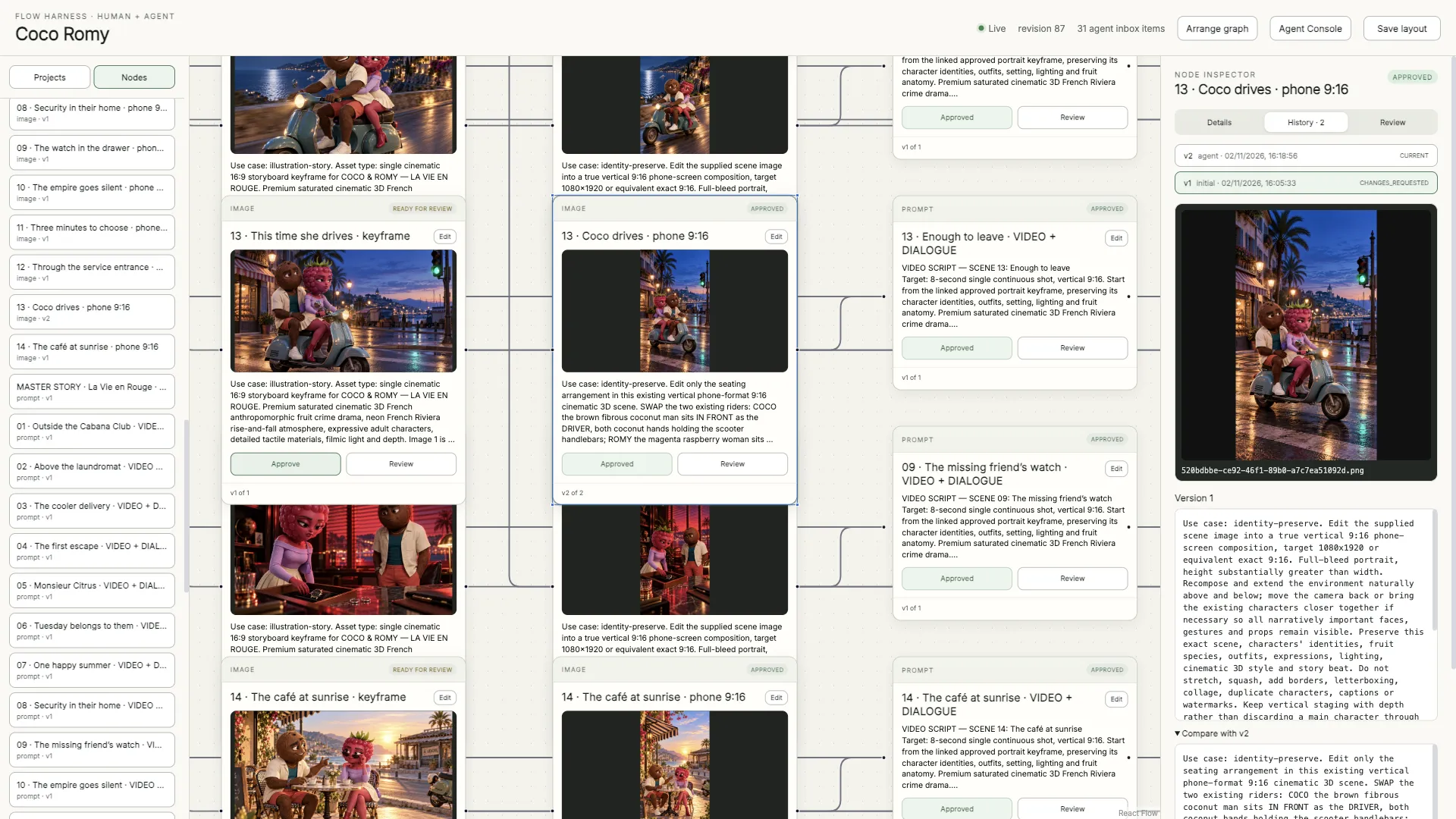
In this example, the requested change was specific: swap the characters’ positions on the scooter while preserving their identities, clothes and lighting. The approved version places Coco at the handlebars and Romy behind him.
History retains the first version, the agent’s revision and the approval state. Earlier instructions remain available to inspect, compare as text and restore without erasing what happened afterwards.


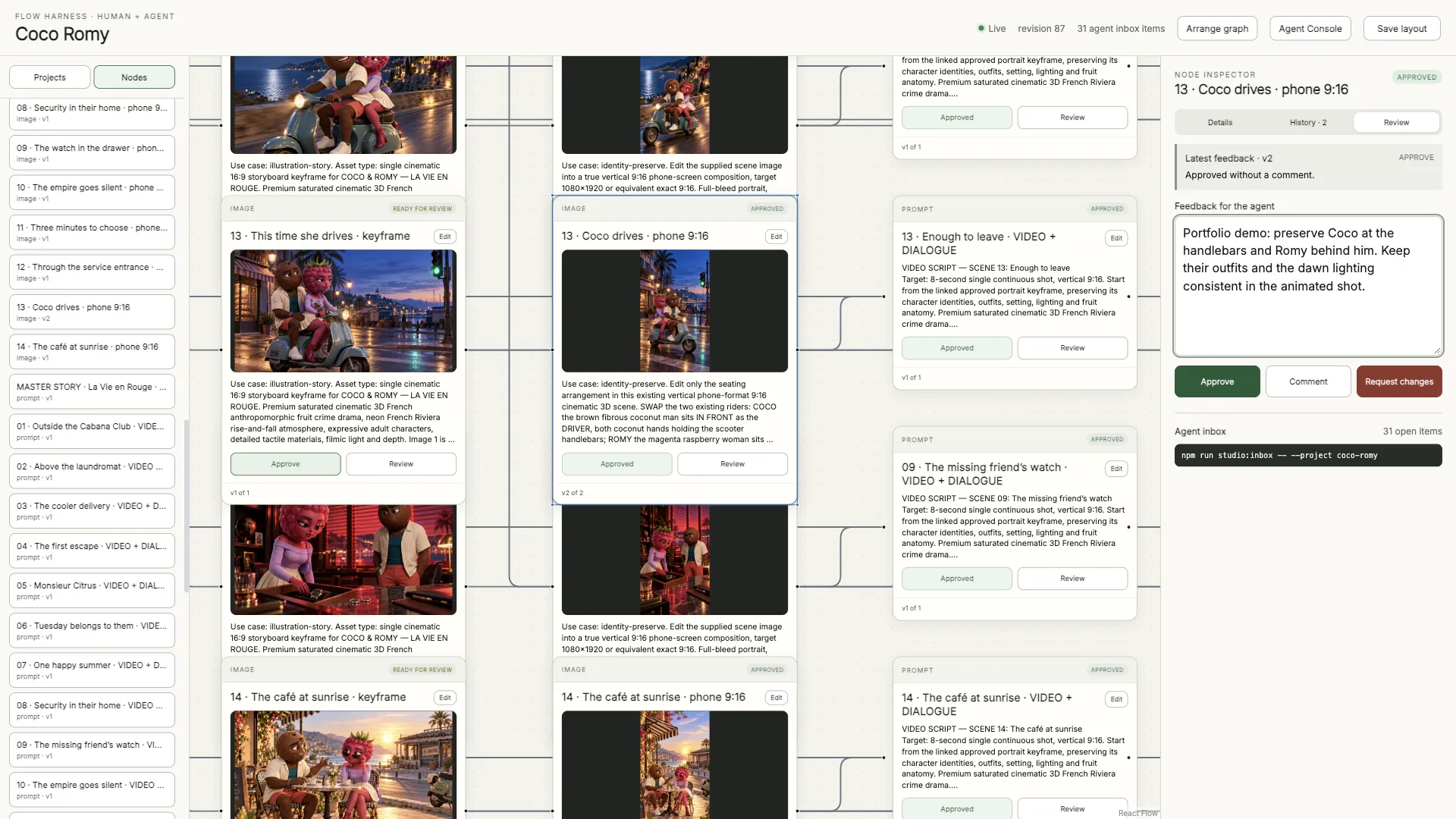
Turn feedback into actionable work
Review offers three decisions: approve, comment or request changes. Submitted feedback is tied to the version being reviewed and becomes a task the agent can read. A revised result returns as a new version of the same node.
That lets me specify what should change and what should remain consistent. Review history and task acknowledgements keep the feedback connected to the revision.
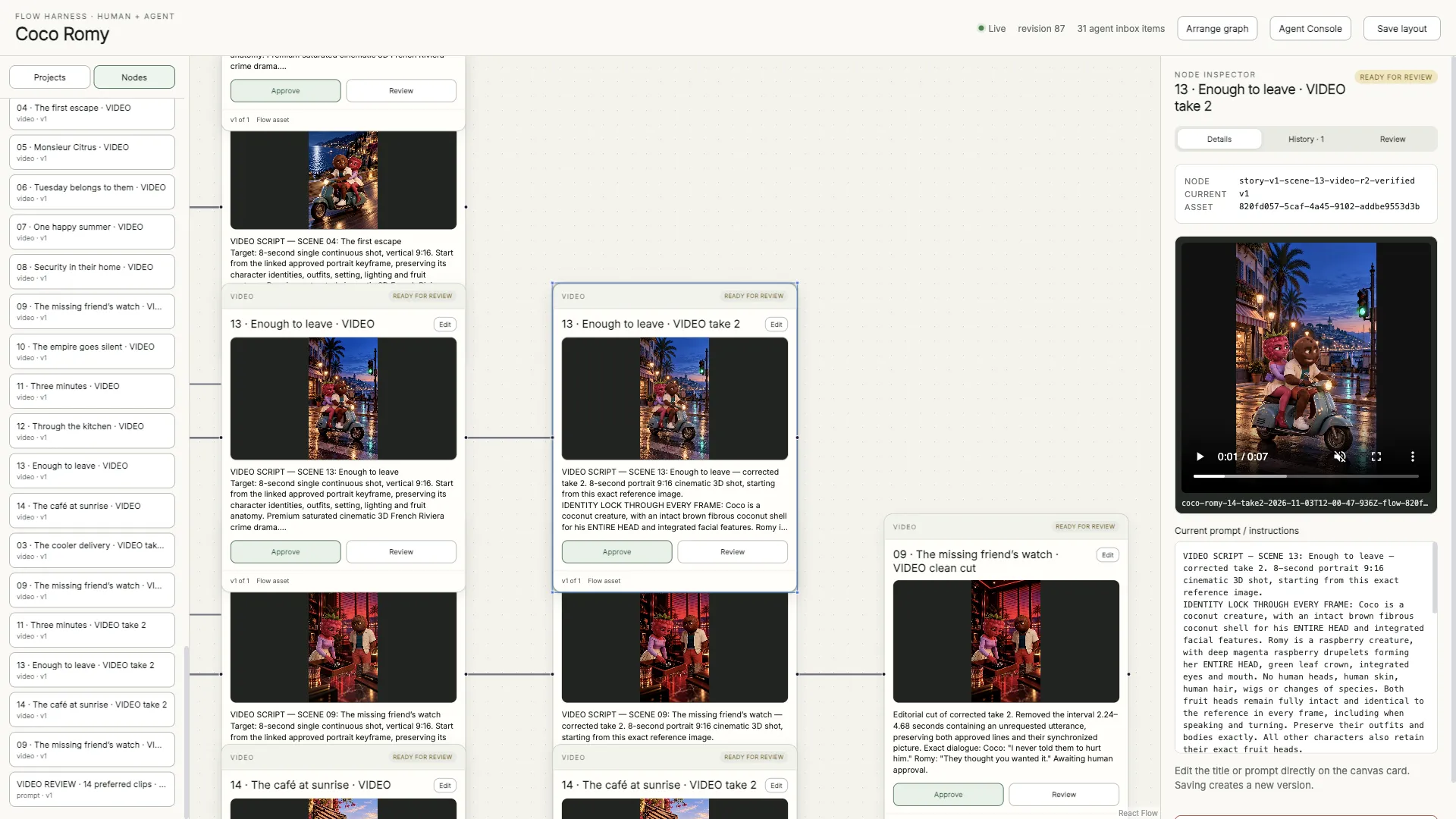
Carry the image into a video shot
The video shot keeps its image and motion instructions close at hand. Its detail panel makes it possible to inspect the scene and continuity requirements before approving the result.
The clip below comes from an existing Coco Romy generation. It runs for about eight seconds, in portrait 720 × 1280 at 24 frames per second. This take is still awaiting review in the workspace; it is shown as a concrete output example rather than an approved final film.
Recover a result without regenerating it
Generation and downloading are separate steps. If retrieval fails after generation finishes, the system retains the information needed to recover the existing asset before submitting another paid request.
This is less visible in the graph, but it matters in a tool that needs to resume after interruptions. Operation states, identifiers and version relationships all serve the same purpose: preserving what actually happened.
My contribution and the project’s scope
My work is the production workspace, persistence, review and automation around Google Flow. The generation models and Google Flow itself are existing tools. Some generation combinations remain partial or depend on the upstream interface and account state.
These captures were taken in the live app on 9 November 2026 using an existing production. They demonstrate the workflow without claiming a measured time saving or universal reliability.